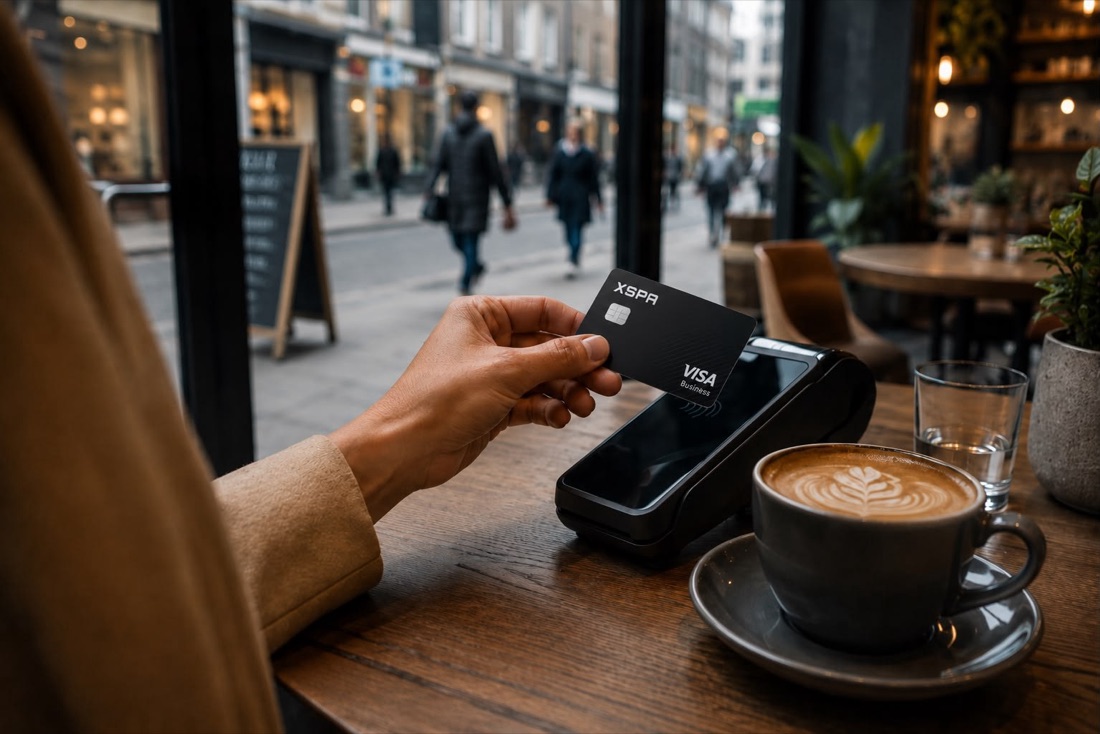
Travel cashless
Pay with your XSPA card in any country — no need to carry cash.
Pick a guide. Tap each step — when you finish one, the next opens automatically.
Install from your official store, or scan the code with your phone.
From cashless travel to receiving money without an exchange — XSPA is always with you.
Pay with your XSPA card in any country — no need to carry cash.
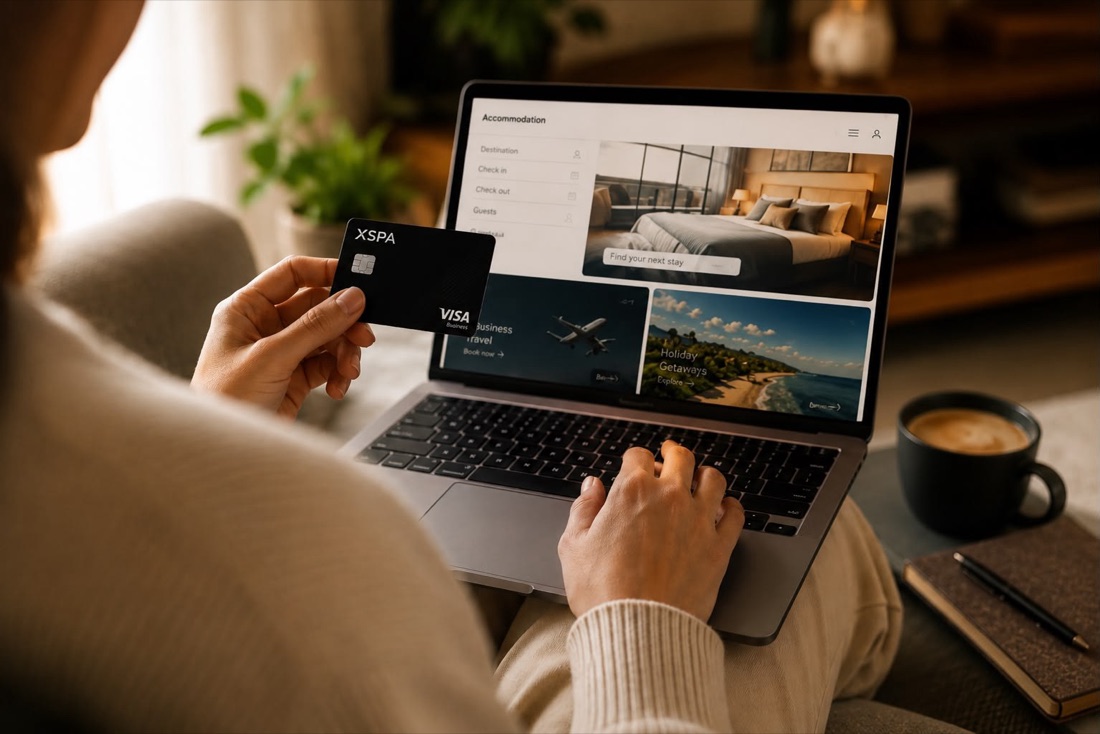
Book flights and hotels, and pick up a rental car at your destination — all with one card.
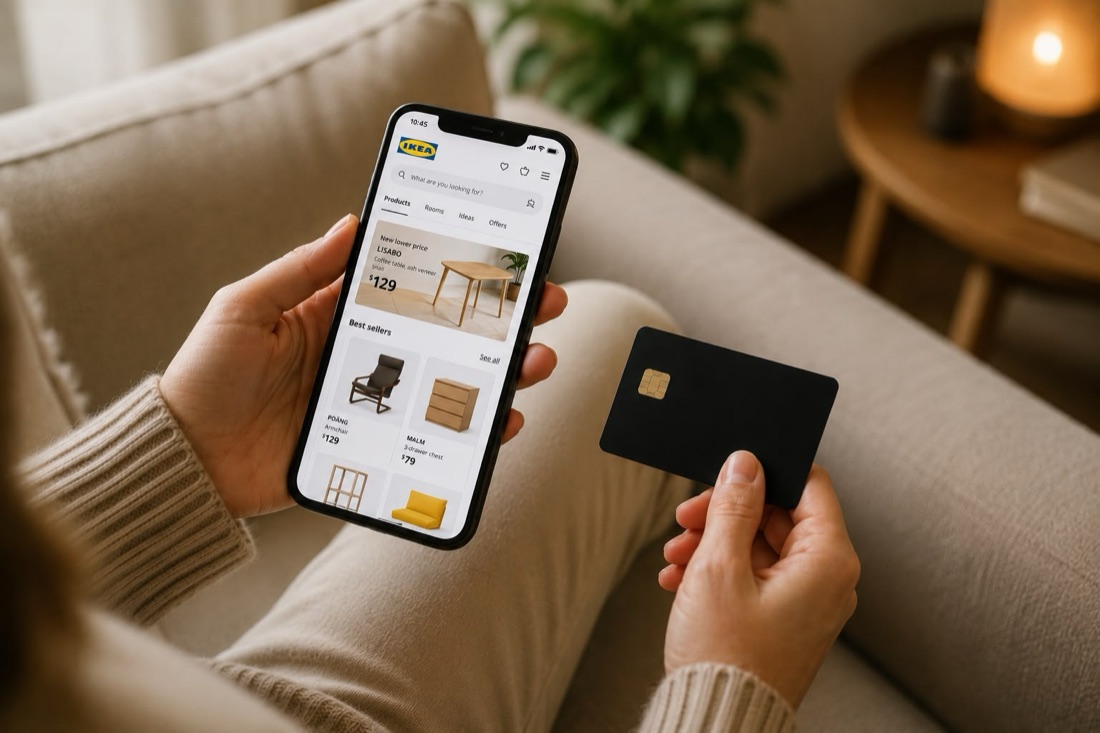
Shopping, groceries, subscriptions and online orders — pay everywhere with your XSPA card.
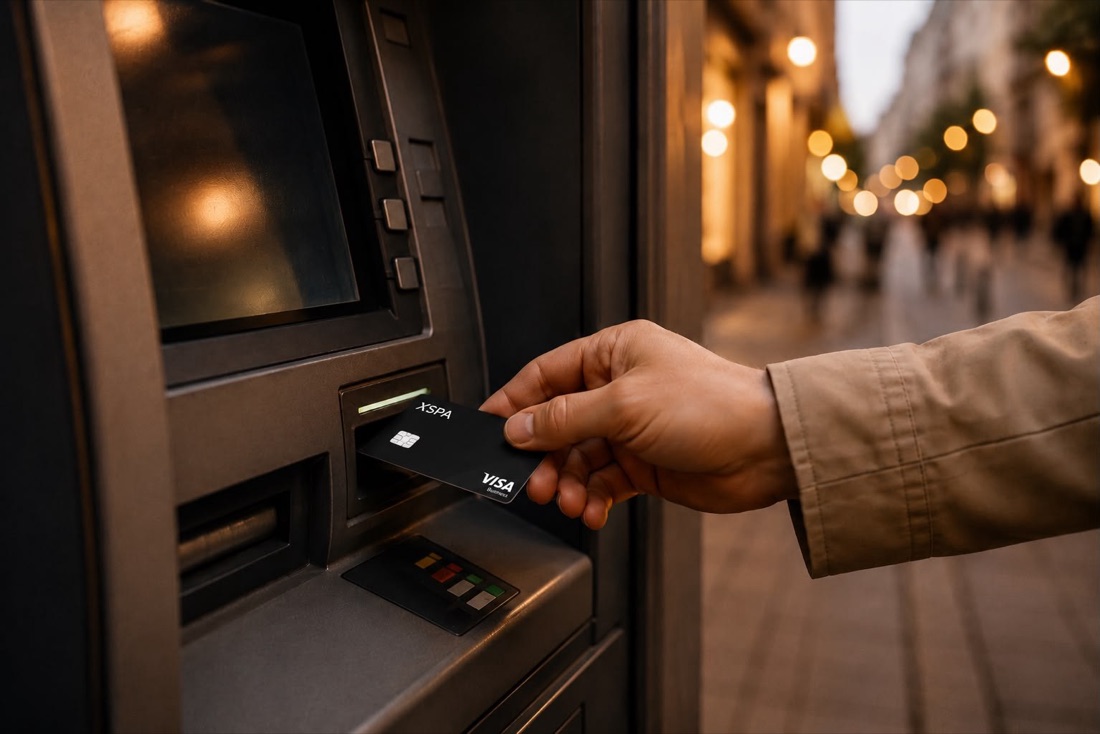
Withdraw up to $1,500 in cash per day from ATMs.
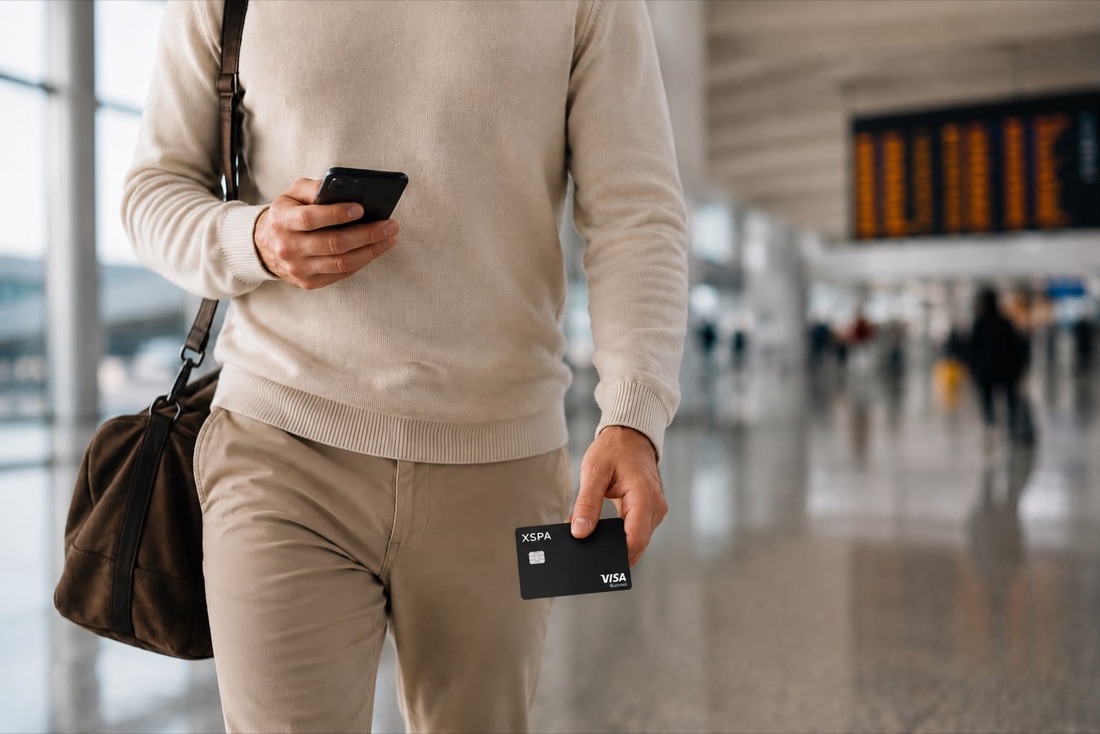
With no cash on you, there's nothing to lose or have stolen.
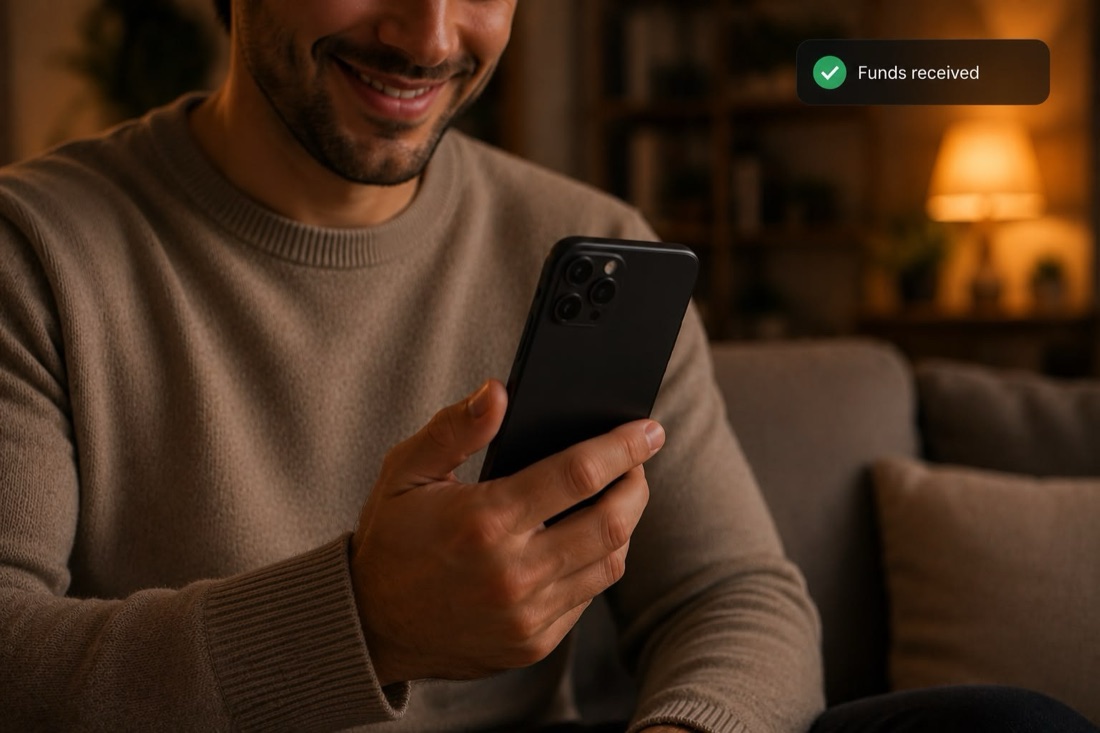
Get paid directly through XSPA, with no middleman. Exchanges charge heavy fees; XSPA's fee is far lower.
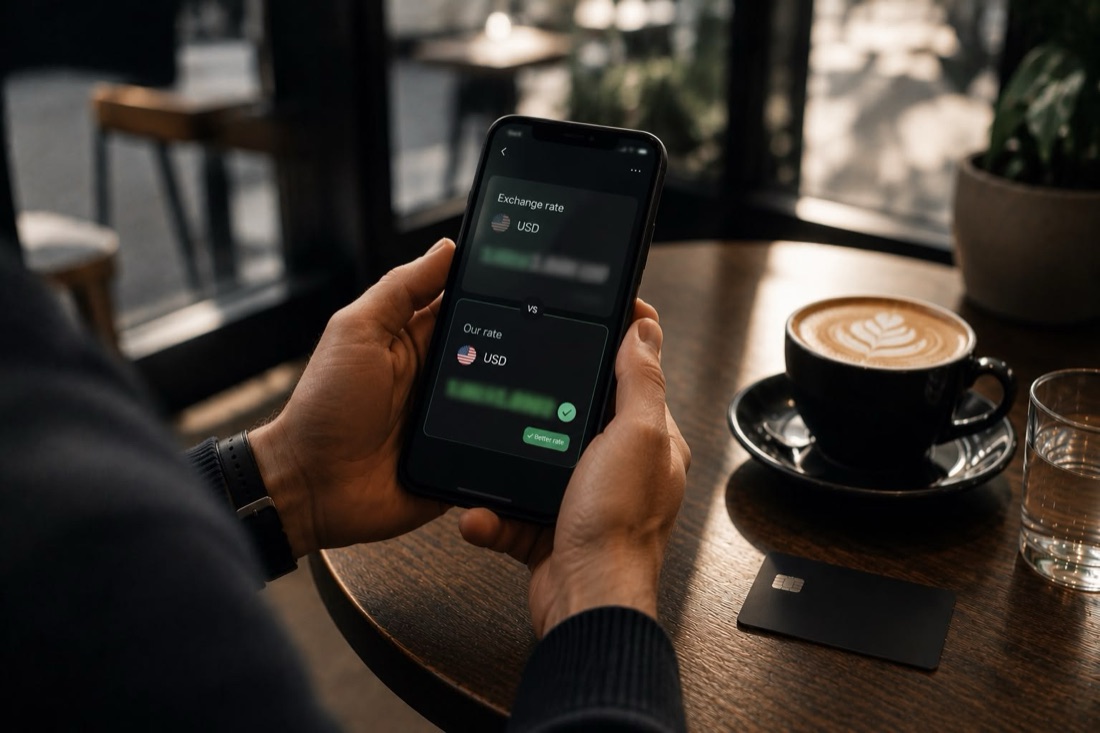
A rate close to the market, without the heavy fees.
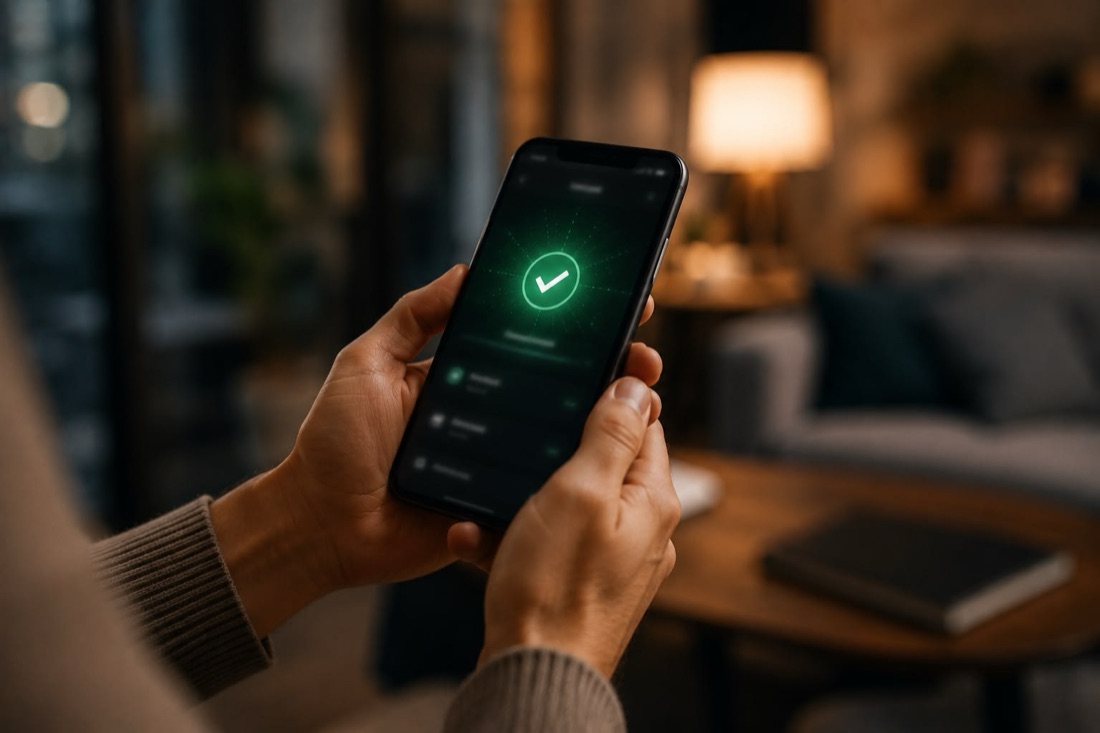
Instead of days waiting at an exchange, transfers finish in minutes.
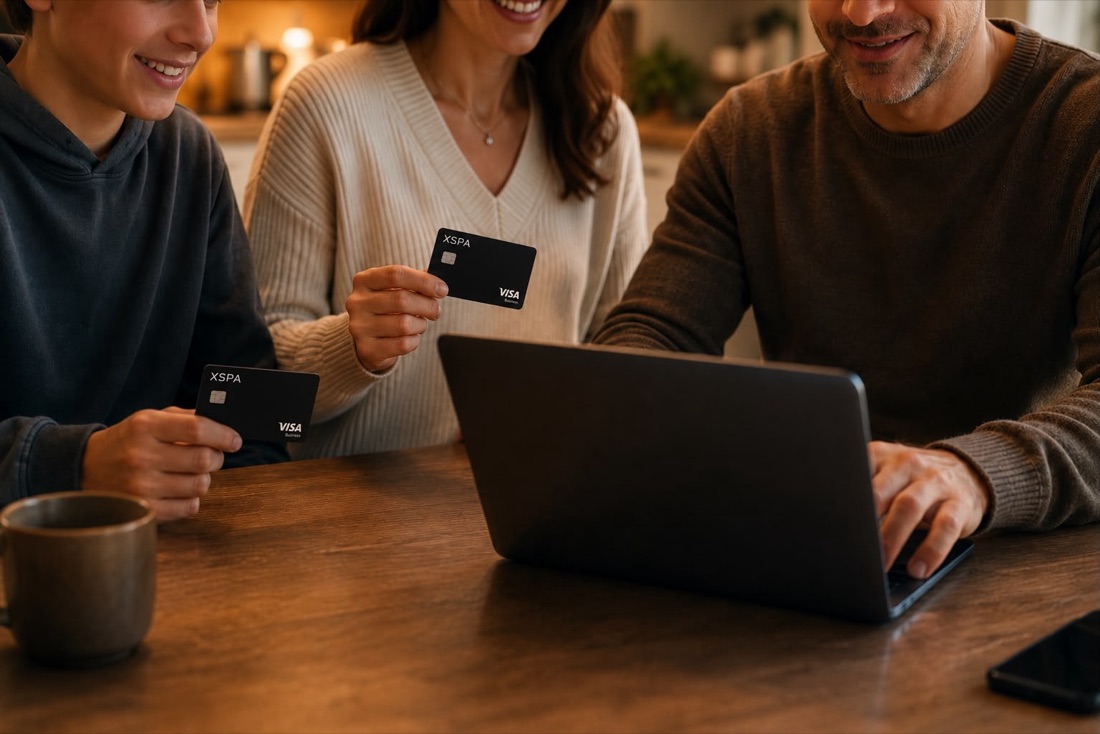
One person verifies and receives 5 physical and 5 virtual cards to share among the family — all under one verified account.
XSPA is a self-custody wallet — private keys live only on your device and no third party can access your funds.
Self-custody. Multi-chain. Yours.Watch step-by-step video tutorials for wallet setup, swaps and card activation.
Got a question or running into a problem? Fill in the form below — it goes straight to the XSPA support team.